More Modes, Not More Apps — Looking Back on Reaction Challenge's Eight Modes
I added seven modes and a daily challenge to Reaction Challenge, our most-played mini game, and shipped it on Toss in a single day. This covers why I chose modes over new apps, the structure that runs every mode for 1–4 players at once, the screen bugs that only showed up on a real phone, and how Target and Press & Hold were tuned
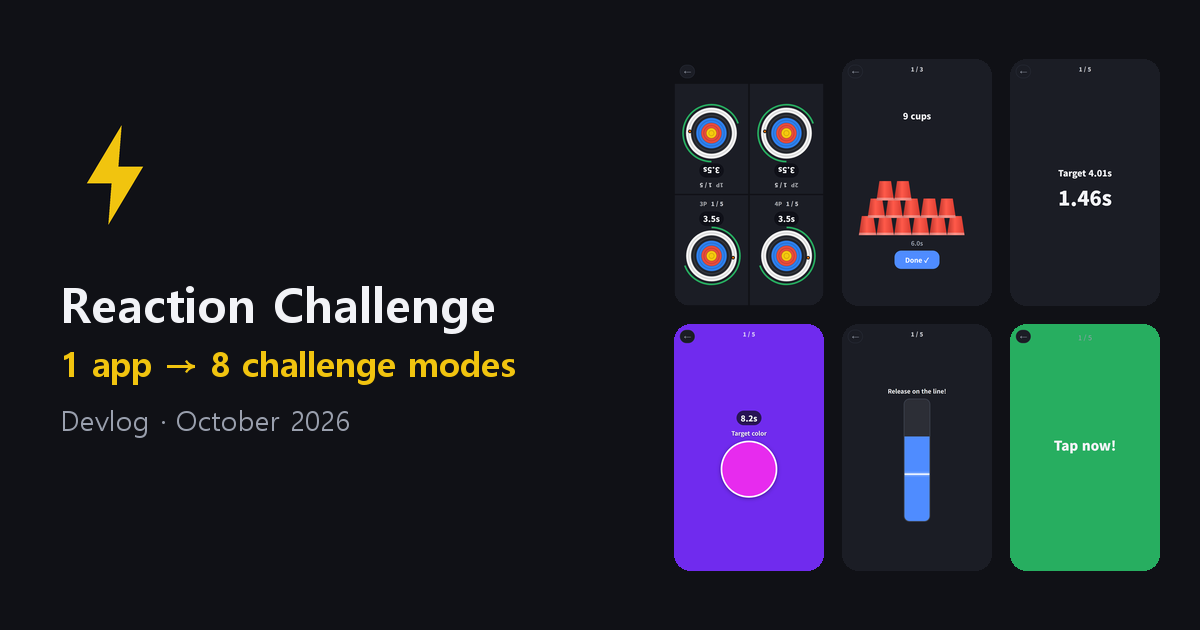
Reaction Challenge is the most-played of all our mini games across Toss and Google Play, and the one that pulls the most weight. It is a simple game — tap the moment the screen turns green — and that simplicity is exactly why people keep coming back for one more try.
On October 14 I added seven modes and a “Today’s Challenge” to it. It took one day from sorting out the ideas to shipping on Toss. These are my notes on what I weighed that day, and on what I fixed with a phone in my hand.
Modes, Not a New App
The first question was this: should challenges like timing, target, cup stacking and color go into Reaction Challenge as modes, or out as new apps?
I chose modes, for four reasons.
- Toss has no room for more apps. The workspace has already hit its app limit, so a new app would mean taking an existing one down.
- Toss is changing how it surfaces apps. From October 22, Toss gives more exposure to apps with higher return visits and conversion within the same category. Splitting people across four similar apps would push all four down the ranking. Gathering them in one app works in our favor.
- There is a penalty for mass-produced apps. Toss continuously penalizes apps that “use the same scheme and only swap the theme to release in bulk”. Four separate “XX Challenge” apps would fit that definition exactly.
- It is better to give a successful app a reason to come back to. Coming in today to try a different mode — that is what a return visit is.
Google Play has no app limit, but the answer was the same. New apps there do not get installs on their own, so splitting the app only spreads out ratings and installs. If search demand for one particular mode shows up later, it will not be hard to build a Play-only app from the same code with just that mode locked in.
Choosing the Modes
To the four suggested ideas (timing, target, cup stacking, color) I added three more.
- Hold Back — tap on green, hold back on any other color. It pairs with Reaction, and it is the funniest mode at a party.
- 10s Tap — the most popular format in this genre. It is the opposite of Cup Stack, where you have to count exactly, so the two contrast well side by side.
- Press & Hold — every other mode is a tap; this is the only one where you press and release, so it feels different in the hand.
Some ideas were left out. Tapping wherever something appears overlaps with Whack-a-Mole, tapping numbers in order overlaps with Number Rush, and flash memory overlaps with Sequence Memory. There is no reason to make our own apps compete for the same person, so those connect through the “more apps” recommendations on the result screen instead.
Every Mode for 1–4 Players at Once
Reaction already had a party mode that splits one phone into two to four zones so people race at the same time. At first I planned to have the new modes take turns, but I went with the suggestion to “run at the same time whatever can run at the same time”. Going through them one by one, all seven could.
So I built a single structure: split the screen into n zones, and every zone solves the same puzzle at the same time. Playing alone is just the case with one zone. Solo and party run on the same code, so their rules cannot drift apart.
Each puzzle is generated all at once when a game starts — the ball paths in Target, the target times in Timing, the colors in Color. Every zone gets the same puzzle, which keeps it fair, and Today’s Challenge came almost for free because of it. Generate the puzzle from a seed set by the date, and everyone gets the same puzzle that day.
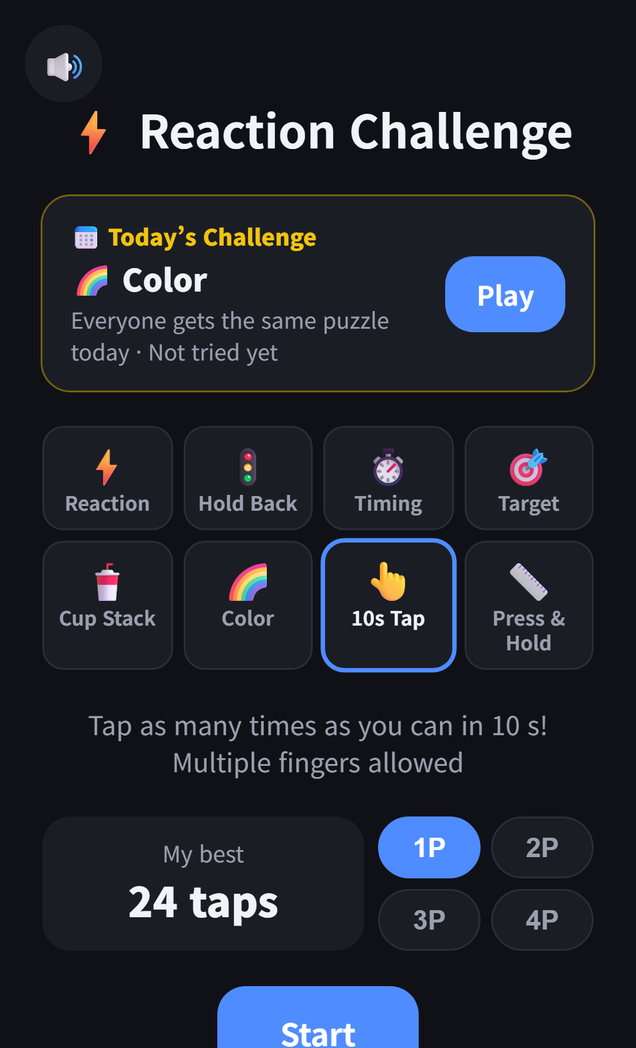
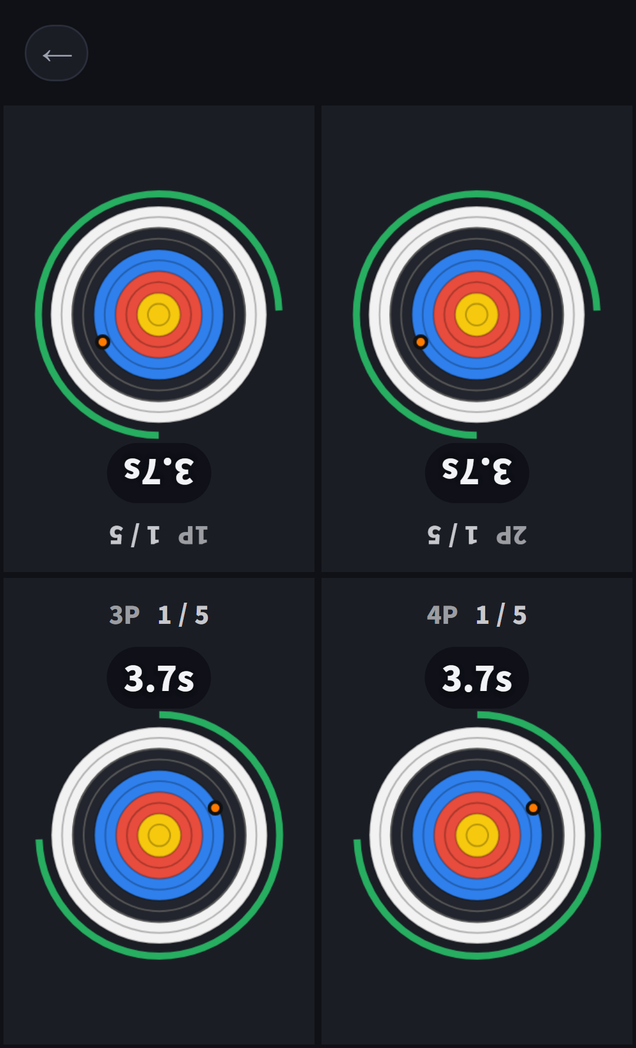
The Toss Game Center allows one leaderboard per app, so it stays with the original Reaction mode. The new modes keep their own TOP 10 plus today, this week and this month records per mode.
Bugs That Only Showed Up on a Phone
I had run all seven modes to the end with auto-play in the browser preview and moved on — and the moment I opened the test bundle on a phone, problems came one after another. Most of them came from things that exist only in Toss, not in the browser: the ad banner at the bottom, the system menu in the top right (⋯ ×), and the ad notice line that only appears when hearts run out.
- The split zones ran under the banner. The zones were sized to the whole screen rather than the play screen. Without a banner, as in the browser, the two look identical. The existing 2–4 player Reaction battle had the same flaw, and it got fixed along the way.
- Things collided with the top-right menu. The home title, and in 4-player games the “Done” button of the person sitting upside down, landed where the system menu is. The 4-player board now leaves the top strip empty and splits the zones below it.
- The sound button overlapped the quit button. On Toss the sound button moves to the top left, but the shared rule that hides it during play was not applying to this app’s screen.
- The ad notice broke a card. The notice attaches right after its button, and since the Today’s Challenge card is laid out horizontally, the notice squeezed in as a third column.
- Text overflowed its zone. “Time per cup” on the result card wrapped onto two lines, and in a 4-player zone (about 180px) the Target combo text overflowed in all nine languages. I measured the longest text in each of the nine languages against a 360px phone and fixed them one by one. That is also when I found the English title “Reaction Challenge” wrapping onto two lines.
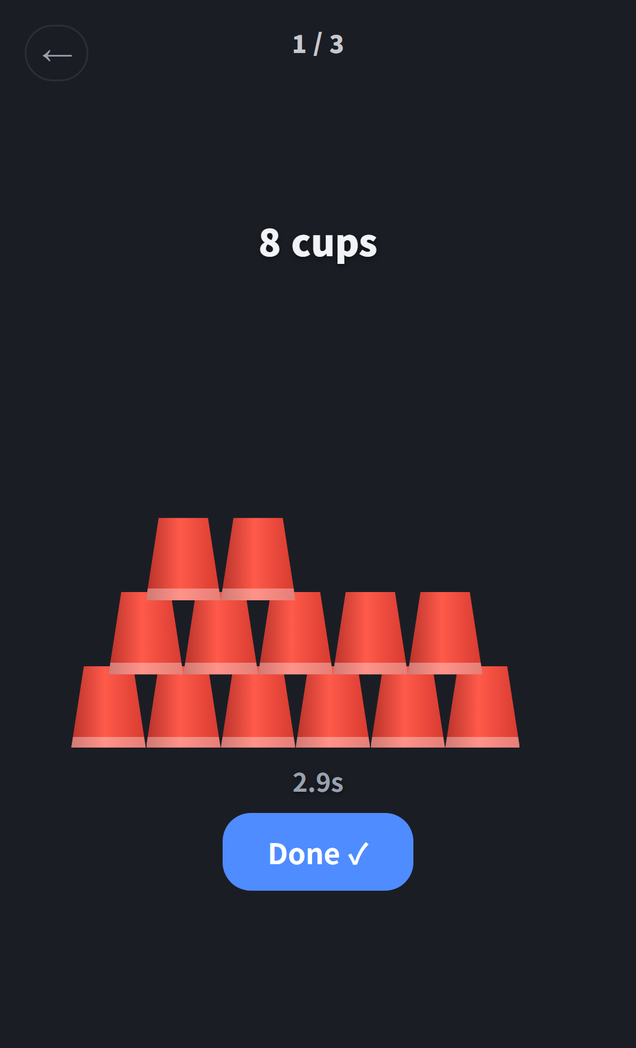
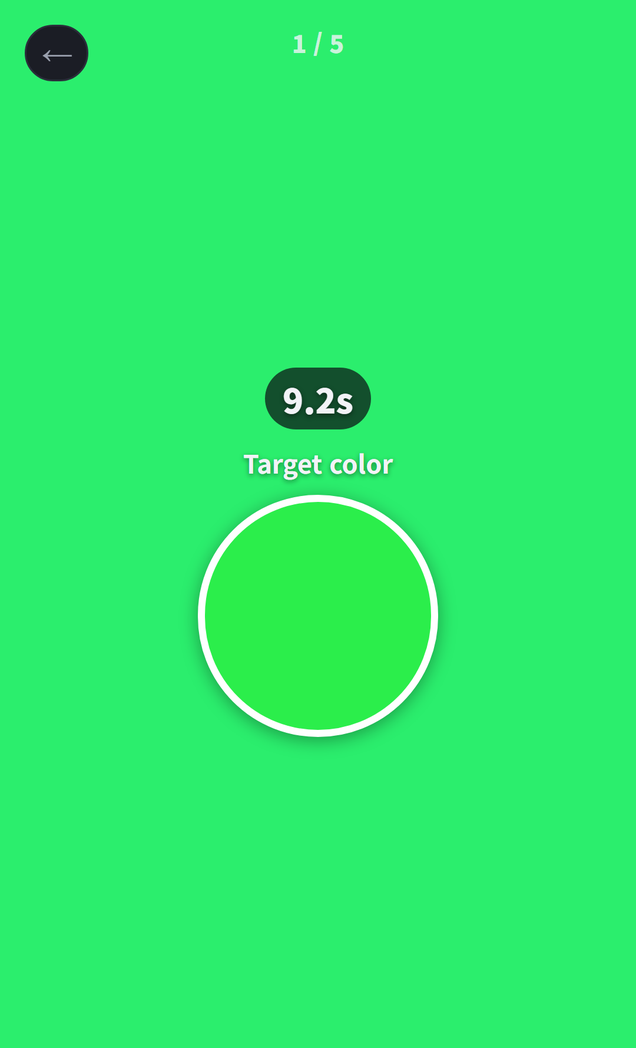
Some issues came from the rules rather than the screen. Color has a time limit, but the remaining time was not shown, so “Time up” seemed to appear out of nowhere. Cup Stack first showed one cup icon per tap in a row, and after hearing “that isn’t stacking”, it became an upside-down cup pyramid.
The lesson is one thing. If the preview does not imitate the Toss screen elements — the banner, the system menu, the ad notice — preview testing is only half done. This time I set the banner height and the Toss mode directly in the preview and checked positions by measuring them in numbers.
Tuning the Gameplay
Target — “there’s no randomness to it”
The first Target ball ran in straight lines at constant speed and bounced off the wall like a mirror. Watch one bounce and you could read the next path, and the feedback was that “there’s no randomness to it”. So I added three things.
- Every bounce now tilts the angle a little and makes the speed waver. In exchange, if the ball goes a while without crossing the center, the next bounce bends toward the middle, so there is never a round with no chance to aim.
- All five shots are different: a basic ball, a wobbly ball, a curve ball, a ball that freezes now and then, and finally a target that keeps shrinking.
- Back-to-back 10s earn a combo bonus, from +5 for a 2 combo up to +20 for a 5 combo. Five bullseyes in a row make 100 points.
All of the randomness is also decided by a seed when the game starts. That is why the ball moves exactly the same in all four zones of a 4-player game.
Press & Hold — holding all the way still scored
You let go of a rising bar on a target line, but when the line sat near the top, simply holding the whole way gave a small error. Now the bar drops back once it fills, and if you hold until it empties, your release counts as 0%.
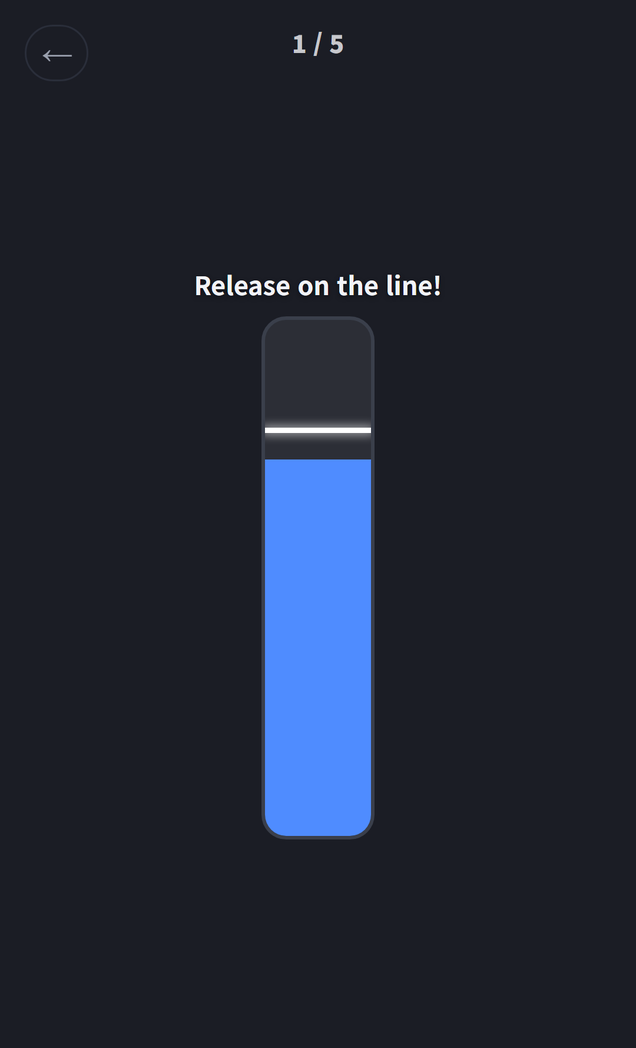
Both were holes that are hard to find unless a person actually plays. An auto-play bot only presses the way it is told to, so it never tries a trick like “just keep holding”.
Looking Back on the Day
- Sorting out ideas → building seven modes → six test bundles on a phone → Toss review → launch, all in one day. The six test bundles are the point of this retrospective. One line of feedback from someone playing on a phone found more than an hour of preview testing.
- Keeping the home layout from jumping around as modes switch also took more work than expected. Modes with no record yet show “-“ to hold their place, and every mode description fits within two lines in all nine languages.
- The Google Play update is in review. I also rewrote the blog’s Reaction Challenge introduction for the eight modes.
Next is watching how it lands: which modes get played most, and whether return visits go up. If search demand shows up for a particular mode, I will consider releasing it as a separate Play-only app.
I post updates here and on Instagram (@fadongkwon.soft) (opens in a new tab).