One Shared CSS Class Name Broke the Exit Dialog in Two Games — A .sheet Collision
In Mole Tap the Leave and Keep playing buttons slid to the left; in Rock Paper Scissors the same dialog was dragged to the middle and cut off. Both games and a shared UI package all used the class name .sheet. How I found it, how I fixed it, and where it still lurks
On October 2 a user report came in. In Mole Tap, pressing back mid-game brings up a “Leave the game?” dialog — and its two buttons were crammed to the left. The next day I found the same dialog in Rock Paper Scissors dragged to the middle of the screen with its bottom cut off.
Neither game builds that dialog itself. A shared UI package shows it, yet it broke differently in each game.
Same dialog, two games, two shapes
My games live in one repository (a monorepo) and share UI parts from a common package (@mini/ui). The leave-confirmation dialog that appears when you press back mid-game is one of them. Its HTML looks like this:
1
2
3
<div class="sheet">
  <div class="sheet-body"> … Leave / Keep playing … </div>
</div>
But both games also had their own screen piece called .sheet.
- Mole Tap: the sheet that asks “watch an ad for 15 more seconds?” when time runs out. It had a rule shrinking the buttons inside,
.sheet .btn { width: min(80%, 260px); }. - Rock Paper Scissors: the sheet that offers a revive after a loss, floated in the middle of the board with
.sheet { position: absolute; … }.
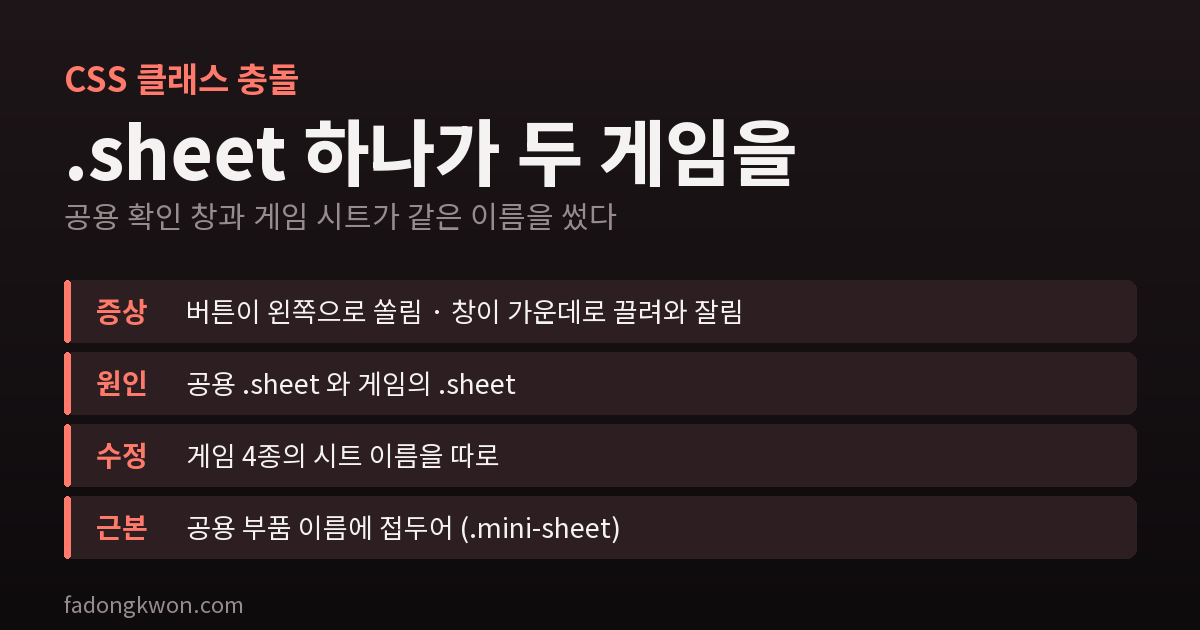
CSS attaches rules by class name alone; it doesn’t care who created the element. So the moment the shared dialog appeared, the game’s .sheet rules applied to it too. In Mole Tap the button-width rule shrank the buttons and pushed them left; in Rock Paper Scissors the position rule pulled the dialog to the center. One cause showed up as a different symptom in each game.
The fix
I gave each game’s sheet a name of its own.
- Mole Tap:
.sheet→.extend-sheet - Rock Paper Scissors:
.sheet→.lost-sheet
Changing the class in the HTML and the CSS rules was all it took. The game code finds these elements by id, not by class, so nothing else needed touching. I also left a CSS comment saying “don’t reuse the shared .sheet name, and here’s why” so the next person doesn’t repeat it.
There were more
It seemed unlikely that only two games did this, so I searched the whole repository. Two more games have rules for exactly .sheet. Loading both in a headless browser showed each had its own reason for looking fine today.
- Sequence Memory: pressing back really does open the dialog, and the game’s
.sheetrules really do apply. It looked fine only because the shared dialog’s styles were originally copied from this game, so the values were identical. Edit either side alone and it breaks. - Tarot: there is no in-progress game screen, so the dialog never appears. Forcing the same dialog onto the page turned it into a box floating in the middle of the screen.
Neither showed a symptom, but I renamed both anyway (.again-sheet, .heart-sheet). Fixing it now is far cheaper than after it breaks.
Names that merely start with .sheet, like .sheet-box, are safe — a CSS class has to match as a whole word. Keep the two apart when you search or the count balloons (my first plain search for “sheet” turned up ten).
The more fundamental fix
Dodging the name in every game is closer to a stopgap; someone can write .sheet again in the next new game. The surer route is for the shared package to use a name nobody else will. With a package prefix like .mini-sheet, a collision with a game’s own names becomes unlikely. It turns out the shared packages themselves also build bare .sheet elements, for the heart refill dialog and the board game rules. So instead of waiting, I renamed all three shared parts to .mini-sheet. I type-checked all 48 games and screenshotted the confirm and rules dialogs in a headless browser before and after, checking that their look and position were identical. One game deliberately borrowed the shared name (the settings sheet in Save Instead of Lotto), so I fixed that game too. Each game picks up the new name with its next update.
What I learned
- Shared parts shouldn’t use common names.
.sheet,.modaland.btnare names every game will want to use at some point. - When one cause shows different symptoms, finding it takes longer. Had I treated the two reports separately, I would have fixed them two different ways. When similar screens break, suspect the shared part first.
- After fixing one, search the whole repository. The same mistake is almost never in just one place.
Mole Tap and Rock Paper Scissors are on Games, and some games run right in the browser.