I Answered "Yes, Violence" on the Content Rating Questionnaire — The IARC Ratings of a Ragdoll Baseball Game
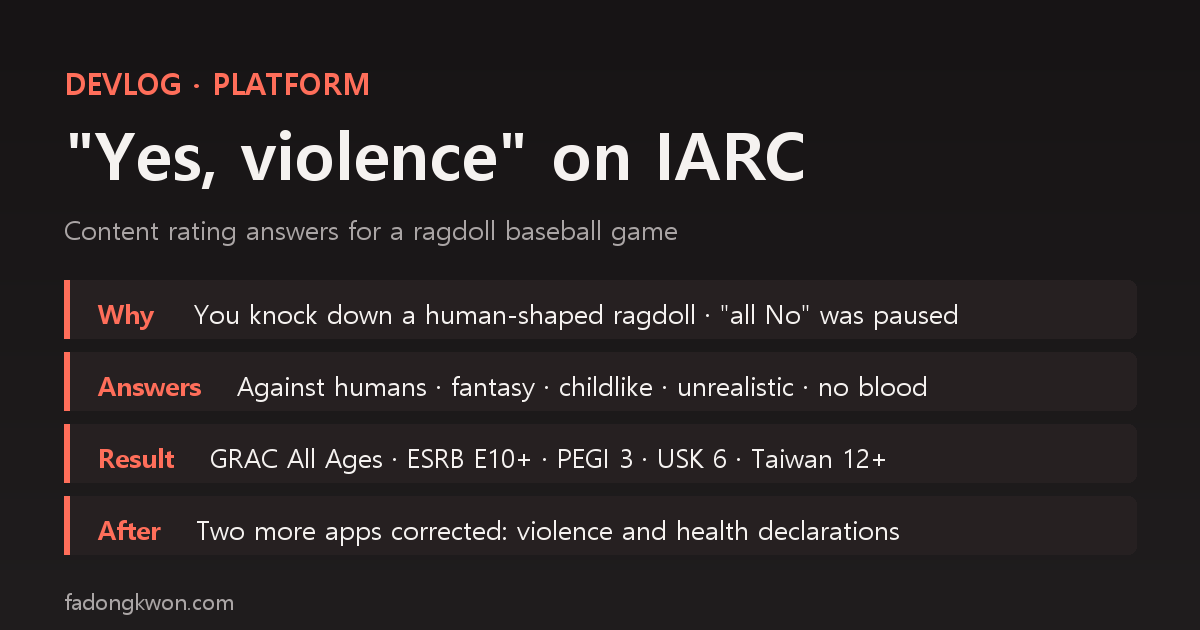
I had answered almost every Google Play content rating (IARC) questionnaire with all No. With Wobbly Baseball, where you knock down a human-shaped ragdoll with baseballs, an AI agent paused the submission because No might not be true. Answering Yes to cartoon violence honestly still gave GRAC All Ages and PEGI 3. Here are the answers question by question, the result from each rating board, why only Taiwan came out higher, two other apps corrected on the same principle, and the steps I now follow to declare honestly. These are cases from my own apps, not legal or policy advice
한국어로 읽기 콘텐츠 등급 설문에 "폭력 있음"이라고 답했더니 — 래그돌 야구 게임의 IARC 등급 기록
Publishing an app on Google Play means filling out a content rating questionnaire. Answer the International Age Rating Coalition (IARC) questions once and you get ratings from Korea’s GRAC, North America’s ESRB, Europe’s PEGI and others in one go. Over close to 90 apps, I answered nearly all of them with No. Puzzles, board games and quizzes have no violence and no gambling.
That habit made its way into my launch process. The console recipe had a line saying “pick the No side of all 28 radio buttons,” and when I shipped several apps at once, an AI agent filled the questionnaire by that recipe.
This post is about the first game where that line did not fit. One thing up front: this is not legal or policy advice, just a few cases from my own apps. The same answers can produce different results for different apps and at different times.
How it started: the agent paused the submission
Wobbly Baseball is a duel where you throw baseballs at a floppy, human-shaped ragdoll pitcher to wear down its health and knock it down. Headshots do double damage.
On November 6, the AI agent creating the Play app and filling in the declarations came back with everything saved except the content rating. Its report said:
- Question 1 asks whether the game “suggests, references or depicts violence… This includes violence against the player’s character.”
- This game knocks out a human-shaped character by hitting it with a ball, and the store listing copy itself says headshots do double damage.
- So answering No could amount to a false declaration. It discarded the draft instead of saving it.
- The other 13 questions (fear, sexual content, gambling, profanity, drugs, crude humor, digital purchases and so on) are correctly No.
The choice was between “Yes, cartoon violence” and “all No.” The agent recommended Yes, adding that it might not get GRAC All Ages. I picked “Yes, cartoon violence.” Even if it raised the rating a notch, telling the truth seemed less likely to cause trouble later.
The answers actually submitted
Answering Yes to violence opens a series of follow-up questions. These are the answers saved that day.
| Question | Answer |
|---|---|
| Violence, blood or gore | Yes |
| Which apply (multiple choice) | Only violence or implied violence against humans (not violence against non-humans, gore imagery, or blood unrelated to violence) |
| In what context does violence occur | Fantasy |
| Pixelated or childlike depiction | Yes |
| Reaction to violence | Unrealistic |
| How violent acts are depicted | Frequently depicted from a distance |
| Level of blood and gore | None |
| Realistic or historical war setting | No |
| Serious injury or death of innocent or defenseless characters | No |
| Aggressive sounds, menacing characters or a dark tone | No |
| Fear, sexual content, gambling, profanity, drugs, crude humor, digital purchases | All No |
| User interaction, location sharing, Nazi symbols, national identity, terrorism, depictions of crime | All No |
I decided Yes and “cartoonish, no blood.” The three follow-ups below that, context, depiction and distance, the agent chose from a gameplay screenshot: a simple cartoon doll stands small in a wide view of the ballpark, and you keep hitting it in that wide view, so it came out as “fantasy,” “childlike depiction” and “frequently from a distance.” The agent flagged these three separately in its report as judgments that affect the rating.
The result: only Taiwan came out higher
| Board (region) | Result |
|---|---|
| GRAC (Korea) | All Ages, content descriptor “violence” |
| ESRB (North America) | Everyone 10+, Fantasy Violence |
| PEGI (Europe) | 3 |
| USK (Germany) | 6 |
| ClassInd (Brazil) | All Ages |
| ACB (Australia) | PG |
| Taiwan | 12+, parental guidance |
| IARC Generic | 3+ |
Korea gave All Ages, and Europe gave the lowest rating, PEGI 3. Before submitting, the agent had expected PEGI 7, but it came out at 3. The one that stood out was Taiwan’s 12+ with parental guidance. Changing it would mean submitting a new questionnaire, and since it came from truthful answers, I left it.
It is also worth noting that GRAC gave All Ages but attached the “violence” content descriptor. Same rating, different result from “none.” If you ever copy the rating into another store, the descriptor has to be copied from the summary too.
Wobbly Baseball went live on Play on November 13. That day an IARC “Live Rating Notice” email arrived, and I took it as the signal that the app was live and started the post-launch store work (per-language listings, ad account linking and so on). The certificate ID (Global Rating ID) was not visible before publishing; it appeared on the console’s rating page afterwards. I did not check the email’s fields one by one.
Two apps corrected on the same principle
After Wobbly Baseball I applied the same rule to other apps. It caught two more in the early hours of November 13, while a batch of unreleased apps was going onto Play.
| App | Value saved first | Corrected to | What triggered it |
|---|---|---|---|
| Wingbeat Survivors | IARC all No | Violence Yes: against non-humans (bugs, bosses), fantasy, childlike, unrealistic → PEGI 3 | A bird attacks swarms of bugs and bosses with weapons, so the agent reopened it because “all No” was not accurate |
| Rep Counter Voice | Health declaration: the app has no health features | Activity and fitness | It is an app that counts exercise reps, so the agent reopened it because “no health features” did not fit |
In both cases the batch recipe saved its default (“No”, “none”) first, and the agent went back and fixed it within the same run, saying it might not fit this app. Both were before the app was submitted for review. In the same batch, two other games where you attack creatures (Drum Beat Moles and Merge Gate Guards) were answered with the same fantasy violence profile, and the health declaration of the Weekend Life hub, which contained the rep counter at the time, was also set to “Activity and fitness.”
The other way around, sometimes No really is the truth. A battleship board game that only shows flame and dot marks on a grid has no people and no blood, so it got No for violence. The rule is not to answer Yes more often. It is to match the answers to what is actually on screen.
Steps for declaring honestly
This is the order I now follow when filling out rating and declaration questionnaires. It is built around my own apps, so treat it as a reference rather than something to copy as is.
- Describe the game in one sentence before opening the questionnaire. “Do what, with what, how.” For Wobbly Baseball it was “knock down a human-shaped doll by hitting it with a ball,” and the answer to the violence question was already in that sentence.
- Compare with your store listing. If the store description says “headshots do double damage” and the questionnaire says No to violence, two documents you wrote are saying different things.
- Read the question text. IARC’s first question says it includes violence against the player’s character. Automation that picks answers by radio button position will not notice if a question changes.
- Doubt the batch recipe’s defaults for every app. Defaults like “all No” and “no health features” are dangerous precisely because they are right for most apps. Give whoever runs the recipe, person or agent, the condition “if it does not fit this app, stop instead of saving.”
- Pick follow-up answers from what is on screen. Context (fantasy or realistic), depiction (childlike), reaction (unrealistic), distance and blood level stop being debatable once you look at a single screenshot.
- Look at the summary before saving. If a board’s result differs from what you expected, stop and decide right there. Mine came out lower than expected (PEGI 3, not 7), and only Taiwan came out higher.
- Record the result with the app. Writing the answers, each board’s result and the certificate ID into the app’s status doc means the next similar game can reuse the same profile, with the reasoning attached.
- Copy it exactly when moving it elsewhere. When a rating has to be entered in another store or console, do not fill the field with a default. Copy the rating and the content descriptors from the summary.
What I learned
- Once “No” is a habit, automation locks the habit in. For close to 90 apps “all No” was true, but the moment it went into a recipe it became a procedure that does not read the question.
- Answering honestly cost less than I feared. Wobbly Baseball, answered Yes to violence, got All Ages in Korea and PEGI 3 in Europe. But that came from a specific combination, cartoonish, no blood and unrealistic reactions, and there is no guarantee another game would get the same.
- One line, “read the question text,” stopped the submission. The instructions I gave the agent for Wobbly Baseball included “answer the questionnaire by reading the question text,” and that line is why it noticed the recipe’s “all No” disagreeing with the question and stopped. The bigger the batch, the more that one line earned its place.