Apps in Toss Launch — Saju Lotto, Juice Spinner & Spin the Bottle
Three of our Android apps are now Toss mini apps you can open inside Toss with no separate install — Saju Lotto, Juice Spinner, and Spin the Bottle.

Info
Our three apps — Saju Lotto, Juice Spinner, and Spin the Bottle — are now available as mini-apps on Apps in Toss, running inside the Toss app with no separate install. Search for each app inside Toss, or open the links below on a phone with Toss installed.
What is Apps in Toss?
Apps in Toss is a platform that runs mini apps directly inside the Toss app. Nothing to install — if you have Toss, any app on it opens in a few seconds.
I ported three apps already on Google Play to Flutter Web and shipped them as Toss mini apps. The store builds and the mini app builds live in the same codebase.
The apps
Saju Lotto
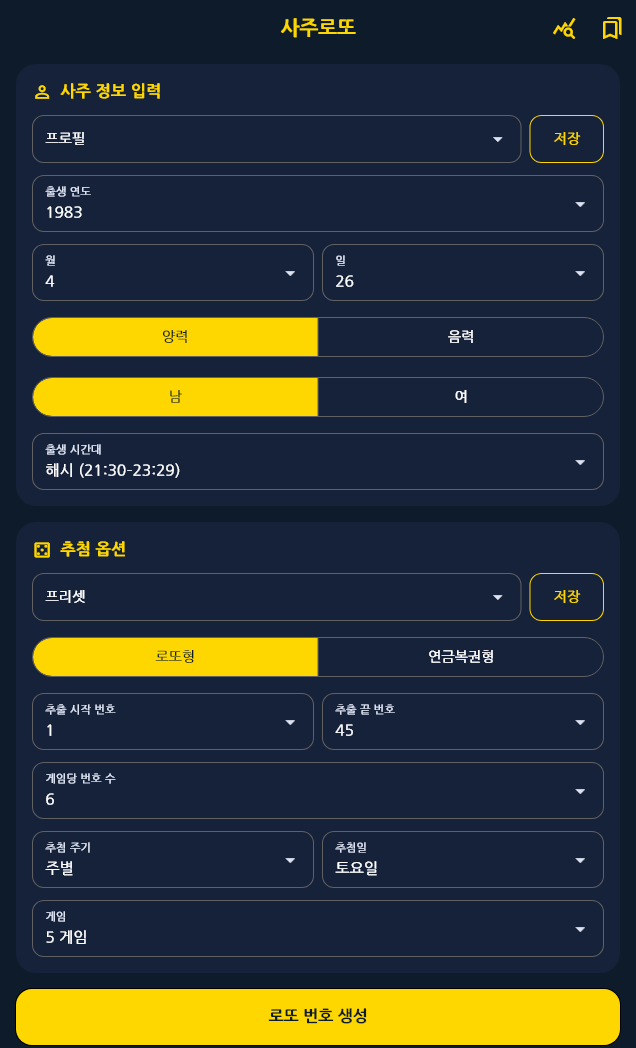
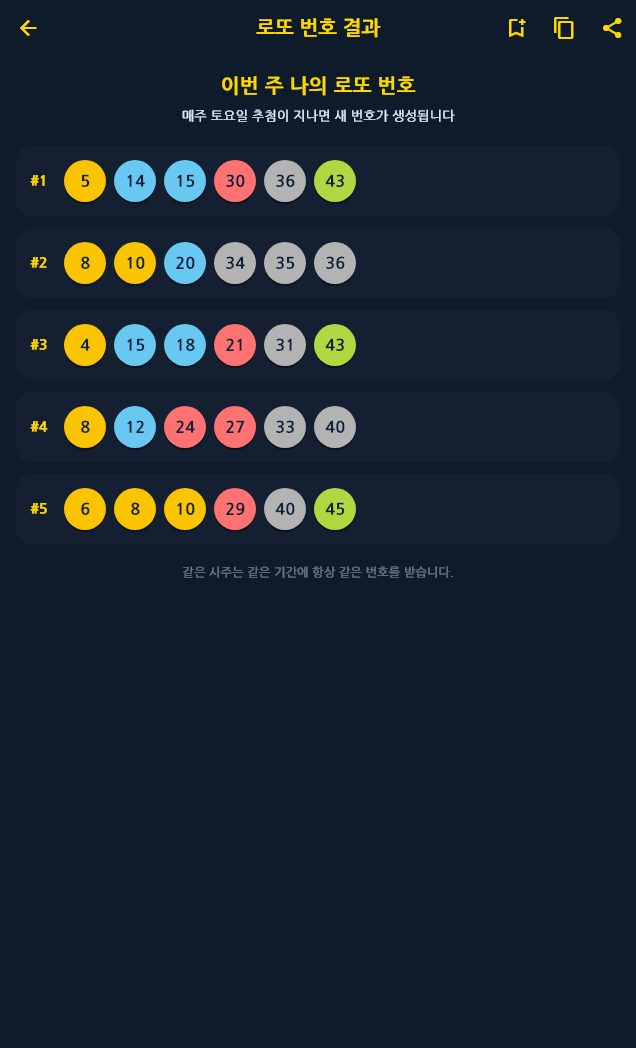
Saju Lotto generates lottery numbers from your birth date and time — your saju, the traditional Korean four-pillars birth chart. The draw is deterministic, so the same birth details always return the same numbers for the same period, which is what makes it feel like you have “your numbers” each week. It supports both range-style lotto games and the Pension Lottery 720+ format, and saving numbers, checking past draws, and the “my Saju Lotto luck” simulation all work the same way inside Toss.
- Open: Open Saju Lotto in Toss — or scan the QR code below with your phone camera

Juice Spinner
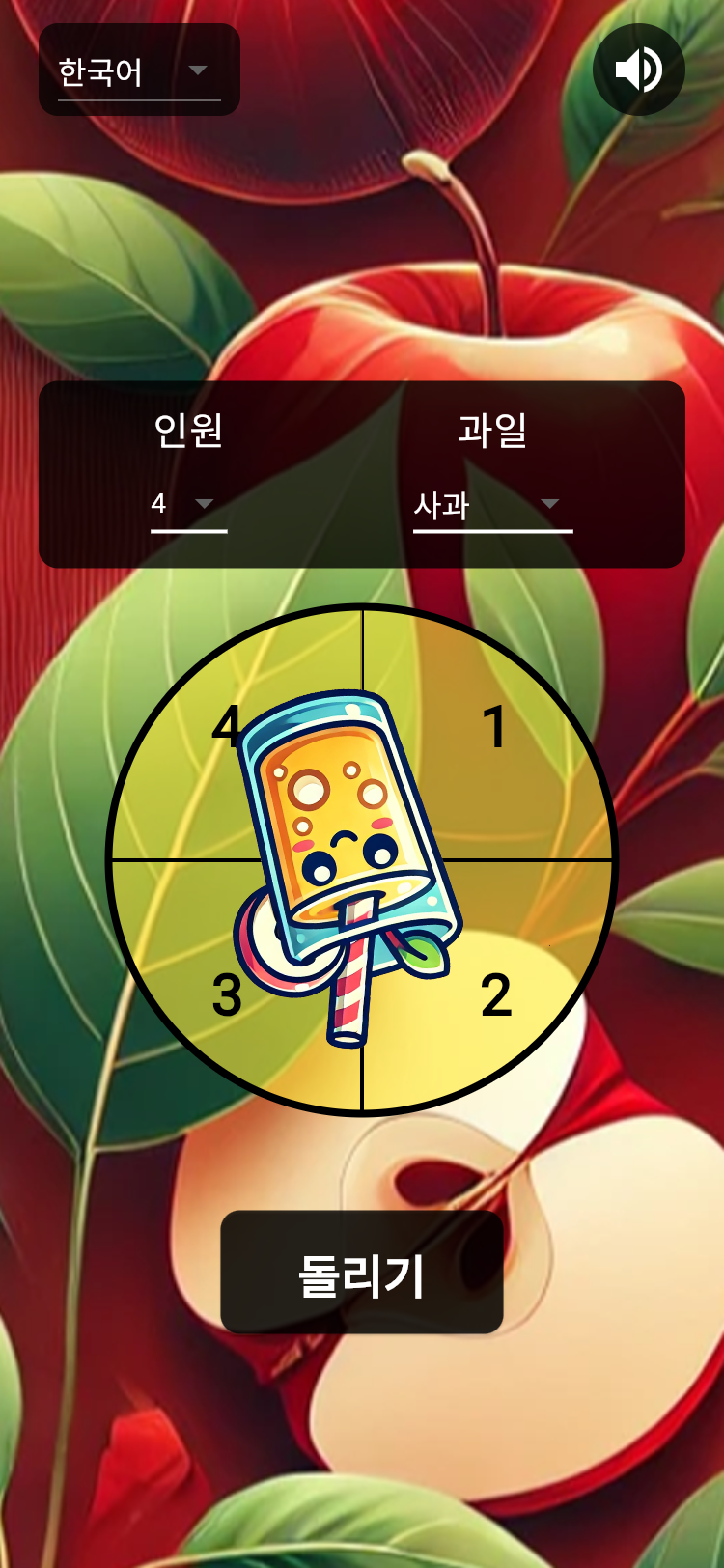
Pick a group size (2 to 12 people) and a set of fruits, then spin. It is the kind of roulette you reach for when someone has to buy the drinks, take the cleaning shift, or go first.
- Open: Open Juice Spinner in Toss — or scan the QR code below with your phone camera

Spin the Bottle
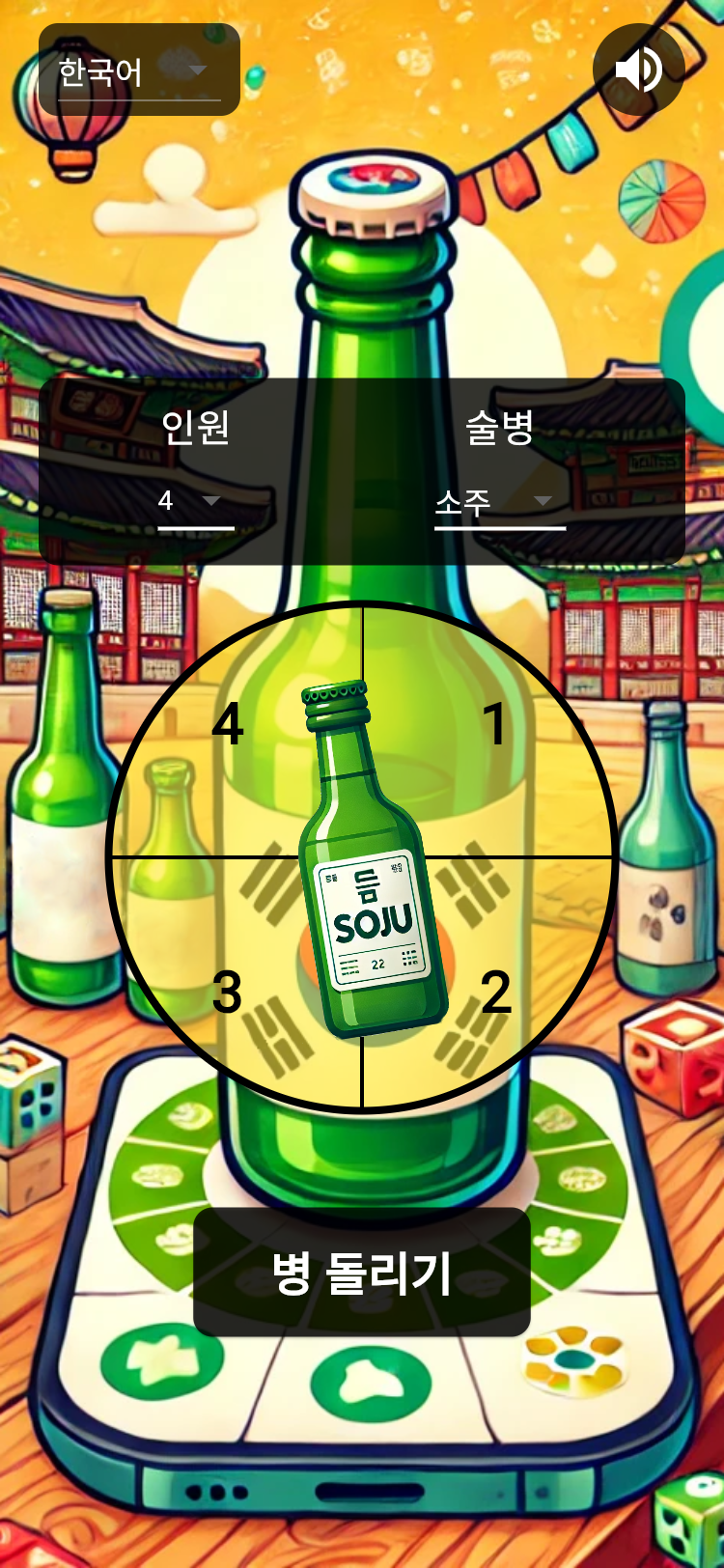
The classic party game, straight across. Choose from 9 bottles — soju, beer, wine and more — give it a spin, and whoever the neck points at is picked. Good for deciding forfeits or starting a round of truth or dare.
- Open: Open Spin the Bottle in Toss — or scan the QR code below with your phone camera

Behind the scenes
Moving a Flutter app into a Toss WebView mini app turned up plenty of surprises. Getting under the 20-second load gate meant putting the bundle on a diet — CanvasKit and the Korean fonts are now all embedded in the app, so there are zero external requests. I also had to work around a WebView issue where rendering stalls after an interstitial ad, and swap in web-only audio. I will write that up as a separate post when I get the chance.
Download
Tap one of the “Open in Toss” links above from your phone, or scan the QR code with your phone camera (you need Toss installed). You can also search for each app by name inside Toss. The Google Play versions are linked from each app’s own product post.